



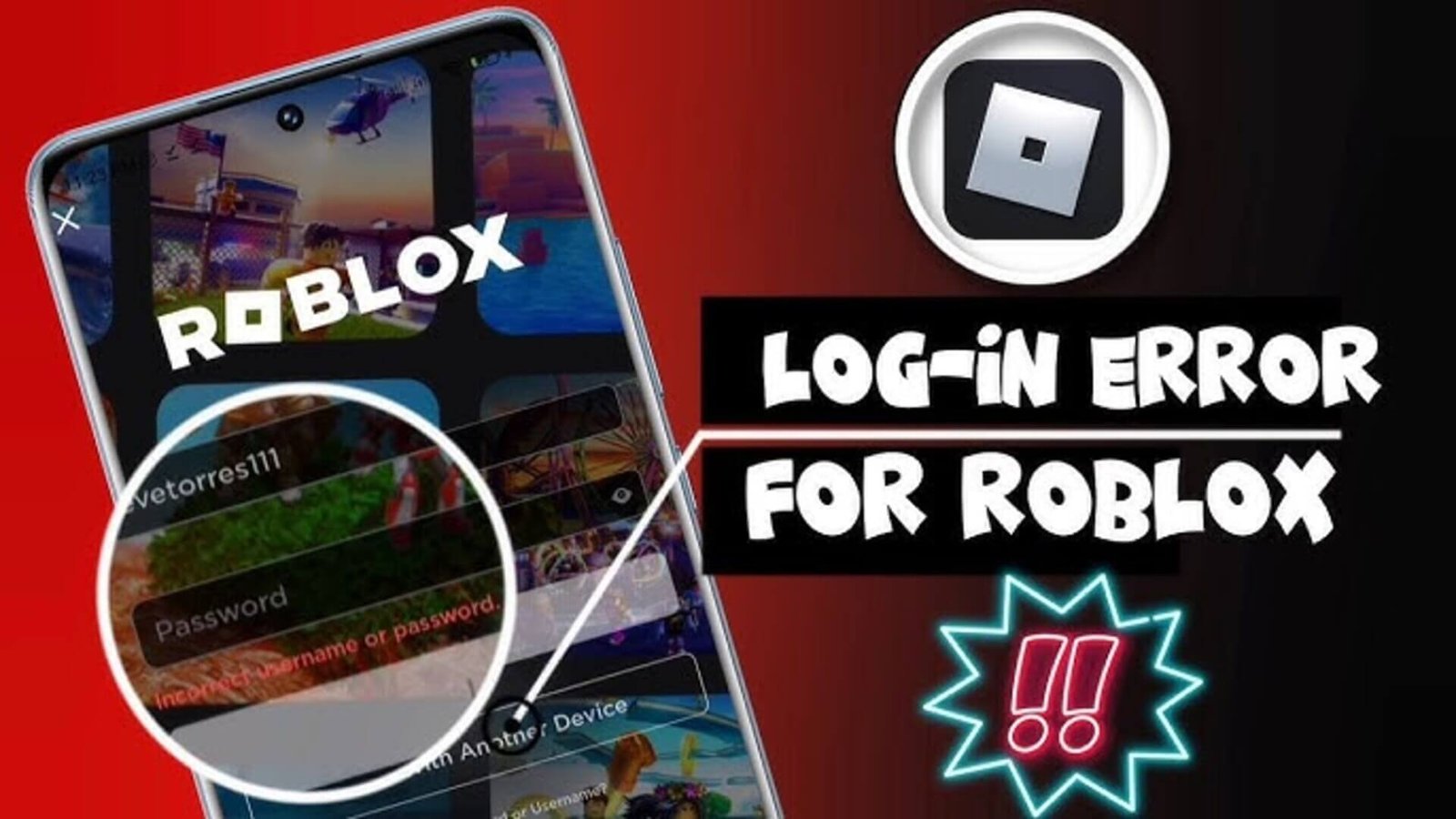

Roblox is one of the most popular online gaming platforms in the world, with millions of daily active users logging in across mobile devices, PCs, consoles, and tablets. However, like any large-scale digital platform, users occasionally experience login problems that prevent access to their accounts. These issues can stem from technical glitches, incorrect credentials, server disruptions, or security measures. Understanding the most common Roblox login issues and how to fix them can help users regain access quickly and safely.
Incorrect Username or Password
One of the most frequent reasons users cannot log in to Roblox is entering an incorrect username or password. This may happen due to typing errors, forgotten credentials, or confusion between multiple accounts. Since passwords are case-sensitive, even small capitalization differences can prevent successful login. To fix this issue, users should carefully re-enter their credentials and ensure there are no extra spaces. If the password is forgotten, using the official “Forgot Password or Username” recovery option on the Roblox login page is the safest method to reset access.
Account Locked for Security Reasons
Roblox may temporarily lock an account if suspicious activity is detected, such as multiple failed login attempts or unusual login locations. This security measure helps protect users from unauthorized access. When this happens, Roblox typically sends an email notification with instructions to verify identity. Users should follow the verification process through official channels only and avoid clicking suspicious links from unknown sources.
Two-Step Verification Problems
Many users enable two-step verification (2SV) for added security. While this feature enhances protection, login issues can arise if the verification code is not received or if the authenticator app is not accessible. Delays in receiving email codes, incorrect time settings on devices, or switching phones without updating authentication settings can cause problems. Checking spam folders, ensuring correct device time settings, or using backup recovery codes can help resolve two-step verification issues.
Roblox Server Outages
Sometimes the issue is not on the user’s end. Roblox servers may experience temporary outages due to maintenance or unexpected technical problems. During these periods, login attempts may fail or display error messages. To determine whether this is the cause, users can check Roblox’s official status page or social media updates. In such cases, waiting until services are restored is the only solution.
Browser or App Glitches
Corrupted browser cache, outdated apps, or incompatible browser extensions can interfere with the login process. If users are unable to log in through a web browser, clearing cache and cookies or trying a different browser can often fix the issue. For mobile users, updating the Roblox app to the latest version or reinstalling it may resolve technical glitches. Ensuring that the device’s operating system is up to date can also improve compatibility.
Internet Connectivity Problems
Unstable or weak internet connections frequently cause login failures. Slow Wi-Fi signals, network interruptions, or firewall restrictions can prevent Roblox from connecting to its servers. Restarting the router, switching to a different network, or disabling restrictive firewall settings temporarily can help diagnose connectivity-related problems. A stable internet connection is essential for successful login and gameplay.
Account Hacked or Compromised
If login attempts fail despite correct credentials and password reset attempts do not work, the account may have been compromised. In such cases, users should immediately contact Roblox Support through the official website. Providing accurate account information helps speed up the recovery process. Enabling two-step verification and using strong, unique passwords afterward can reduce the risk of future security breaches.
How to Prevent Future Roblox Login Issues
Preventing login problems is often easier than fixing them. Users should keep their contact information updated, enable two-step verification, avoid sharing passwords, and log out from public devices. Regularly updating apps and maintaining a secure internet connection also reduces the chances of technical disruptions.
Conclusion
Login issues on Roblox can be frustrating, but most problems have straightforward solutions. Whether the issue involves incorrect credentials, server outages, security locks, or connectivity problems, identifying the root cause is the first step toward resolving it. By following official recovery procedures and maintaining good account security practices, users can minimize disruptions and enjoy uninterrupted access to the Roblox platform.

Other Articles

Fascisterne: Origins, Influence and Legacy
Bardid and the Future of Digital Innovation